You wrote a script, now let's read it on camera. This is the core teleprompter experience in Teleprompter Premium+.
Open the player
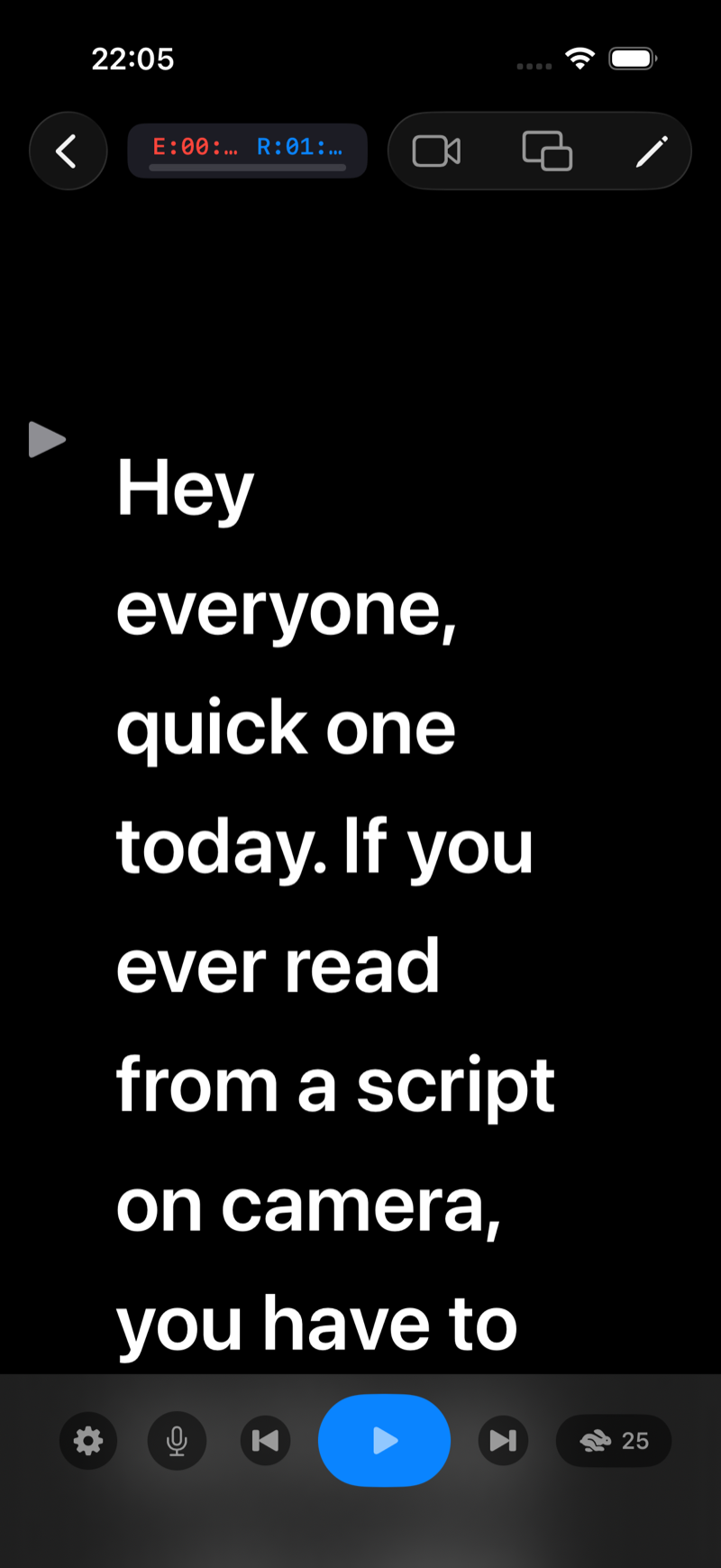
Tap any script in My Scripts. The prompter opens: white text on a pure black canvas, exactly what you want in front of a camera.
Press play
Tap the big play button at the bottom. The script starts scrolling at your chosen speed. Tap it again to pause at any moment.
Stay on your line
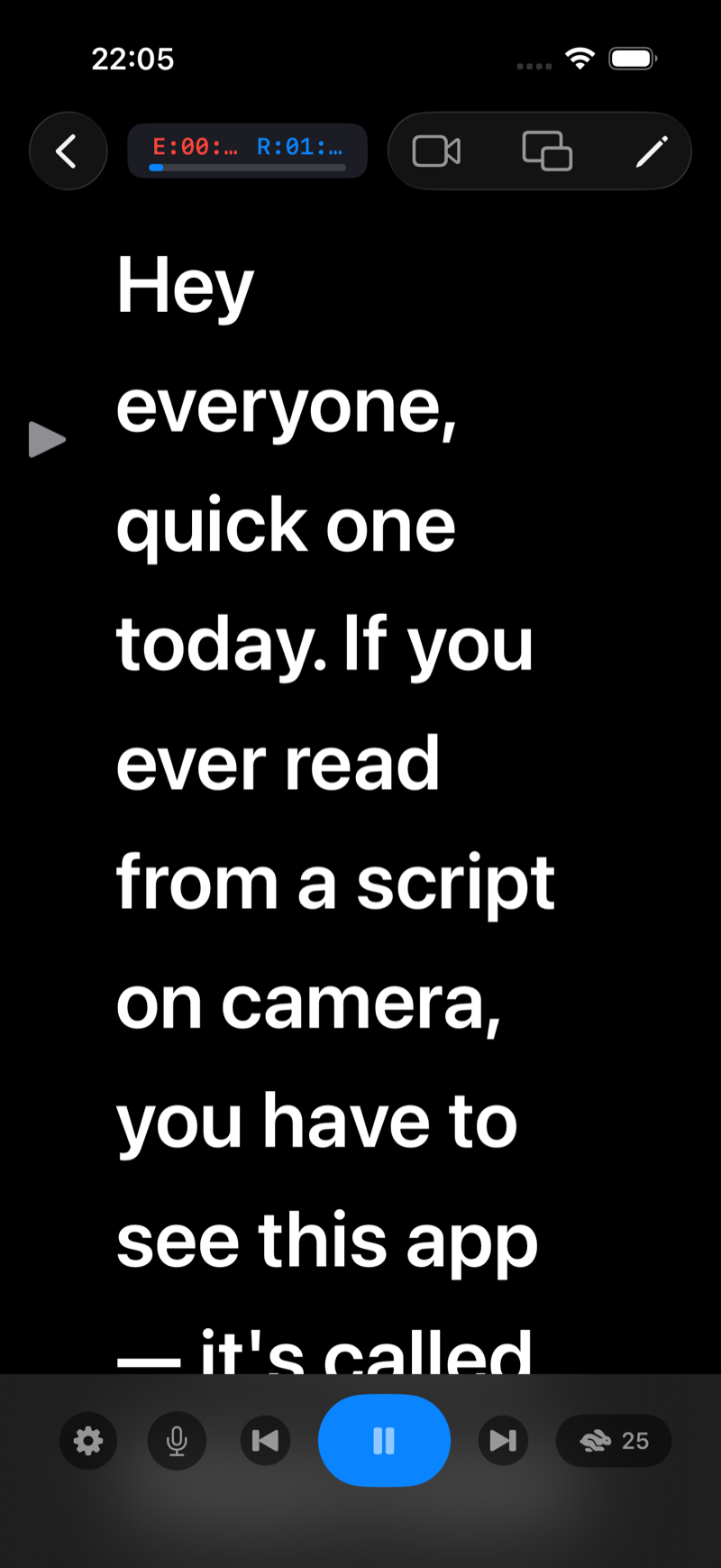
The gray cue arrow on the left marks your reading line. Keep your eyes there: the text flows past it so you never lose your place, and your eyes stay near the camera lens.
Watch your time
The pill at the top shows two clocks: E (elapsed) and R (remaining), plus a progress bar. The remaining time is computed from your script length and current speed, so you always know if the take fits your target duration.
Jump around
Use the skip buttons next to play to jump back to the start or forward to the end. Drag the text itself to scrub to any point.
Make it yours
- Scroll speed, from turtle to rabbit: Adjust the teleprompter scroll speed (and find YOUR pace)
- Font size, margins and colors: Font size, line spacing, margins and colors
- A countdown before the text moves: Set a countdown before the script starts scrolling
- Recording yourself while reading: Record video while reading your script (camera mode)