Press play, run behind the camera, and the text is already gone. The fix is the countdown.
Turn it on
- In the player, tap the gear to open Settings.
- Scroll to the Playback section.
- Pick a countdown length (3 to 10 seconds).
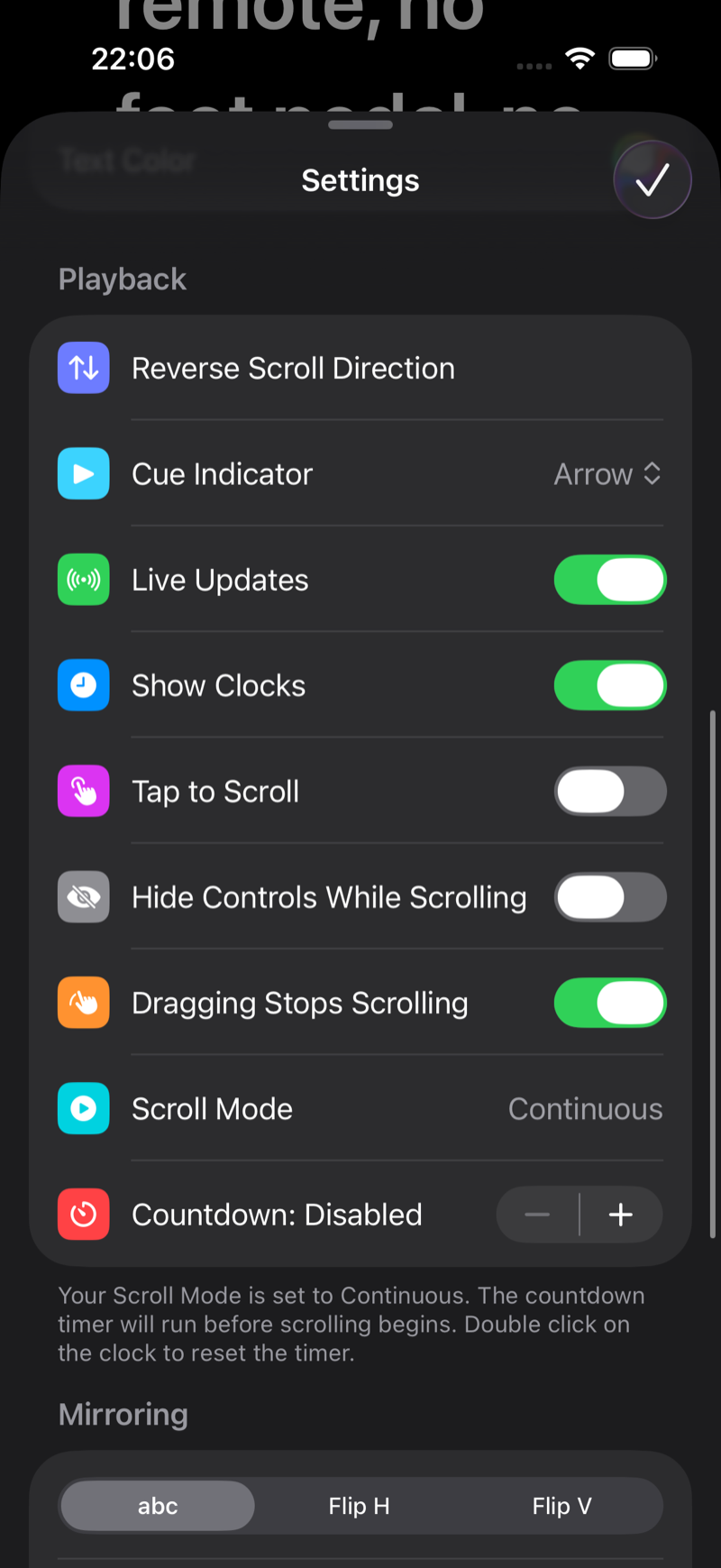
Now when you press play, a big countdown runs on screen before the first line moves. Use it to settle your posture, check your framing and take a breath.
Pro tips
- Recording in camera mode? The countdown also gives your video a clean head: you can trim exactly to where the scroll starts.
- Pair the countdown with the remote control so you can start the take from your shooting position. See Use your iPhone or Apple Watch as a teleprompter remote.