Scroll speed makes or breaks a teleprompter take. Too slow and your delivery drags; too fast and you sound like you are chasing the text.
Change the speed
- Quick way: in the player, tap the speed chip (the rabbit icon with a number, bottom right) and pick a value.
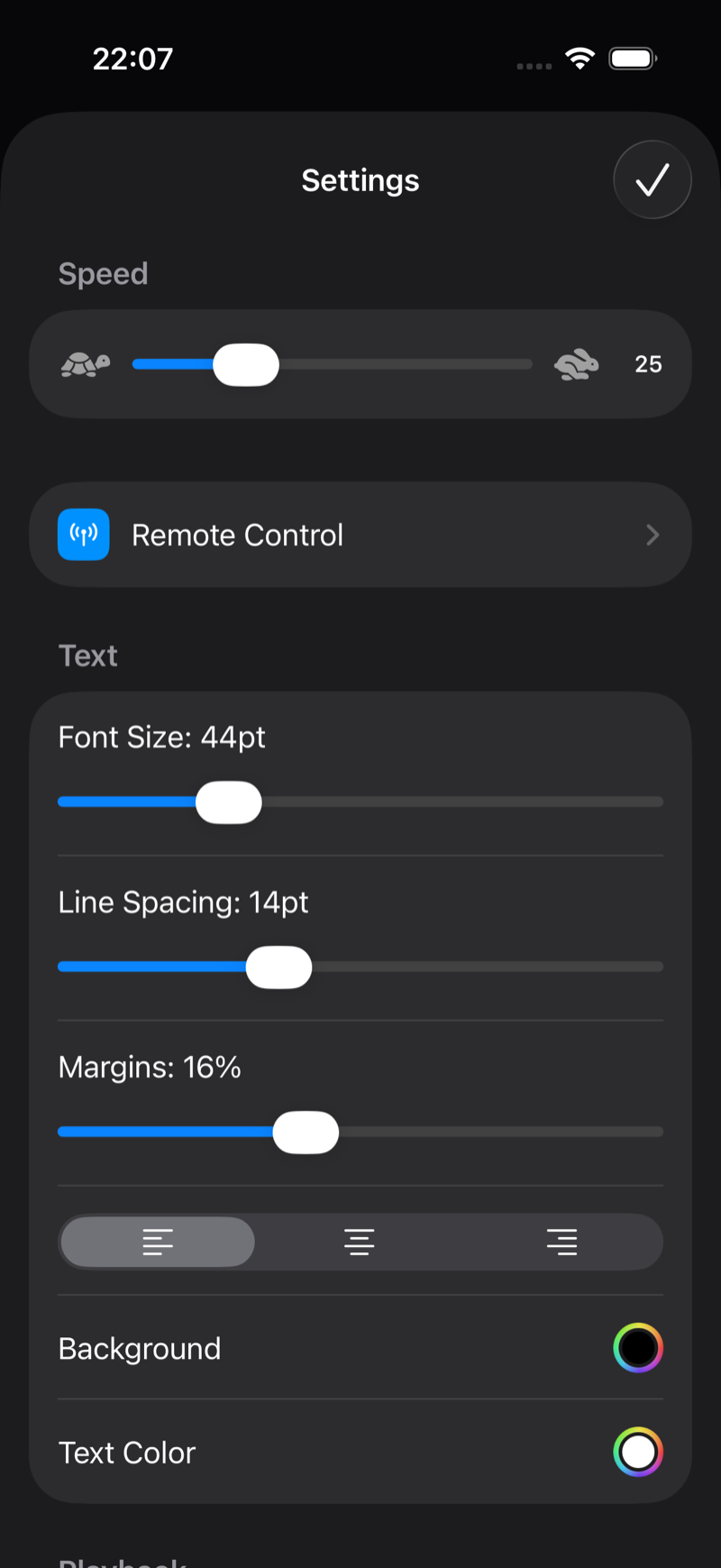
- Fine control: tap the gear in the player and drag the Speed slider between the turtle and the rabbit.
What speed should you use?
The default (25) suits a natural conversational pace at the default font size. As a rule of thumb:
- 15–20: deliberate, emotional delivery, or beginners.
- 25–35: normal YouTube/course narration.
- 40+: energetic shorts and fast promos.
Speed interacts with font size: bigger text means fewer words per screen, so the same words-per-minute needs a higher scroll speed.
Or stop thinking about speed entirely
Pro users can turn on voice-controlled scrolling: the prompter listens to you and matches your pace automatically, including your pauses. See Voice-controlled scrolling.