The device showing the script is usually out of reach: on a tripod, behind glass, or across the room on your Mac. The remote control fixes that.
Pair two devices
- Put both devices on the same Wi-Fi network.
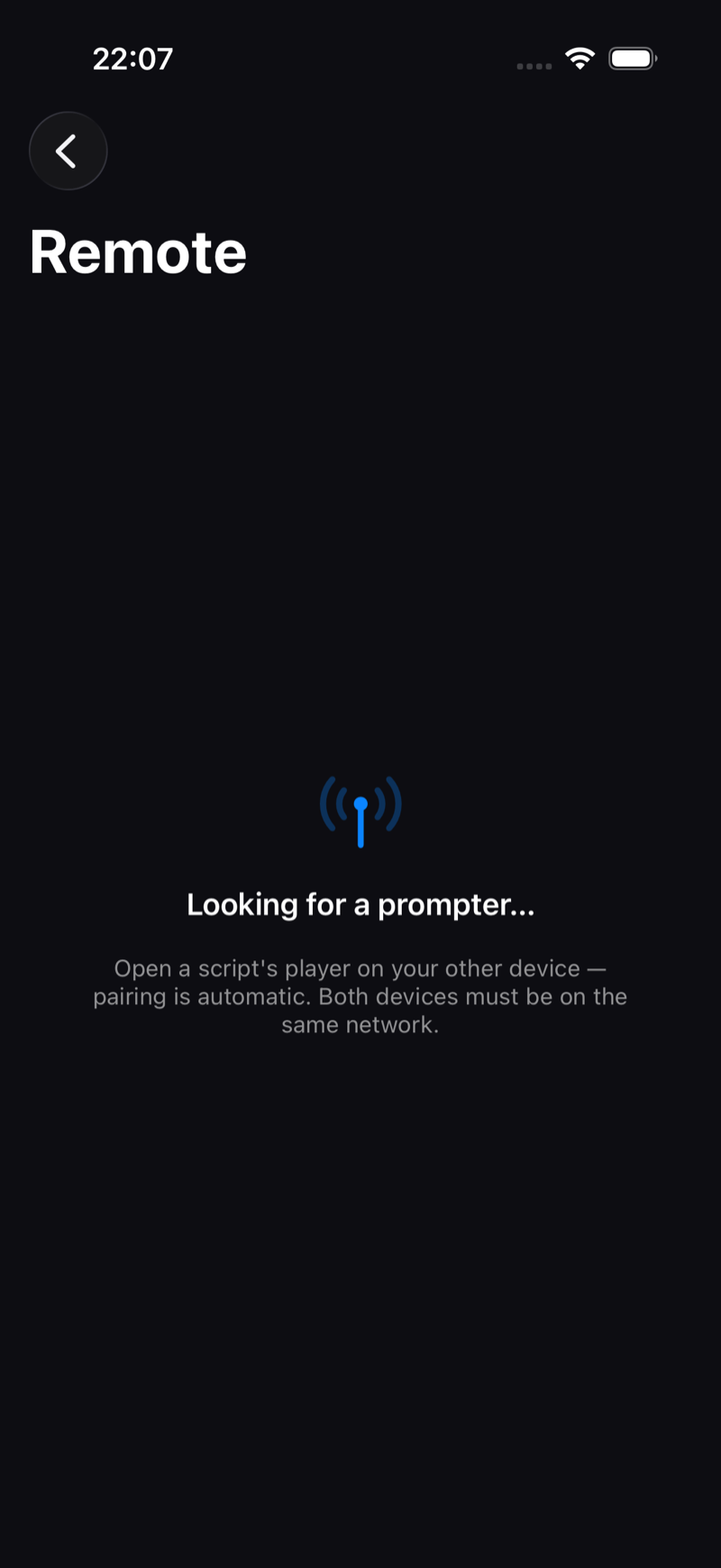
- On the prompter device, open your script (or the player Settings → Remote Control).
- On your iPhone, open Teleprompter Premium+ and tap the antenna icon in the library toolbar.
- They discover each other automatically over the local network, no account and no setup.
What you can control
- Play / pause the scroll.
- Speed up or down mid-take.
- Jump to start or end.
Apple Watch
The companion Apple Watch app relays the same controls through your iPhone: play/pause, speed and jumps from your wrist, invisible to the camera.
Remote pairing is free for everyone. It shines with the Mac overlay (Teleprompter on your Mac) and mirrored rigs (Mirror the text for beam-splitter teleprompter rigs).