Using a physical teleprompter rig with beam-splitter glass? The text must be flipped so the reflection reads correctly. Teleprompter Premium+ supports both mirror axes.
Turn on mirroring
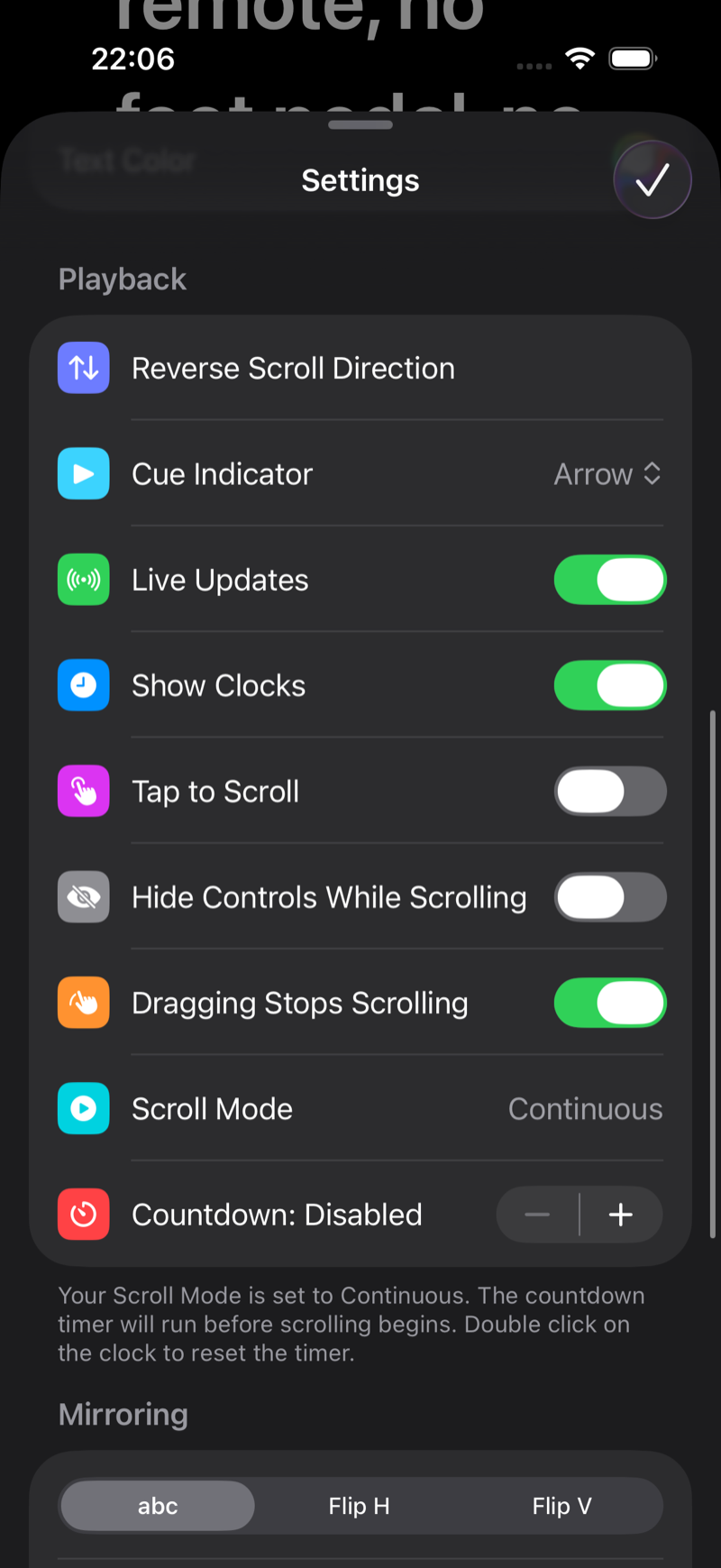
- Open a script in the player and tap the gear.
- Scroll to the Playback section.
- In the Mirroring control choose Flip H (for standard beam-splitter glass) or Flip V, depending on how your rig reflects the screen. abc is the normal, unmirrored mode.
Which one do I need?
- Horizontal mirror: the common case, glass at 45° in front of the lens.
- Vertical mirror: rigs where the device lies flat and reflects upward.
- Some setups need both. Just toggle until the reflection reads normally.
Mirroring is a Pro feature (Free vs Pro). It works on iPhone, iPad and Mac, so you can drive rig monitors of any size, and pairs perfectly with the remote control (Use your iPhone or Apple Watch as a teleprompter remote) since the on-glass screen is hard to touch.