The single most loved feature: turn on the microphone and the prompter follows you. Speak fast, it speeds up. Pause for effect, it waits. No fixed speed to fight against.
Turn it on
- Open a script in the player.
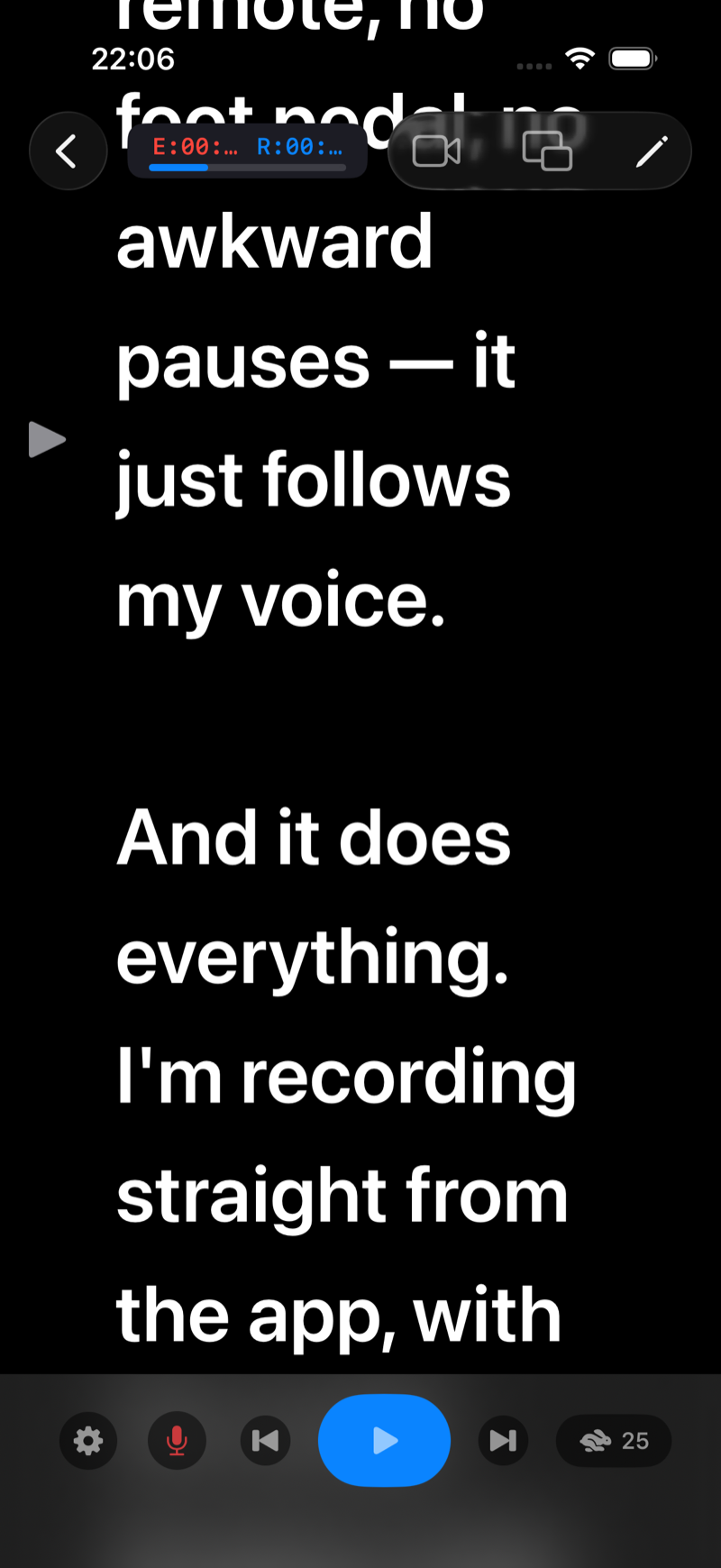
- Tap the microphone icon in the bottom controls.
- The first time, allow Microphone and Speech Recognition. Both are required for voice tracking.
- Start reading. The current word is highlighted as you say it and the script scrolls to match your pace.
Private by design
Speech recognition runs on-device. Your voice is not sent to any server, and nothing you say is stored. It also works offline.
Tips for best tracking
- Read the words as written; heavy improvisation makes the tracker wait for you at the next matching phrase.
- In noisy rooms, get the mic closer or use a lav/USB mic.
- Voice tracking also keeps the Picture-in-Picture prompter advancing while you record in another app. See Picture-in-Picture.
Voice-controlled scrolling is a Pro feature; try it during the free trial. See Start the free trial, change plan or cancel your subscription.