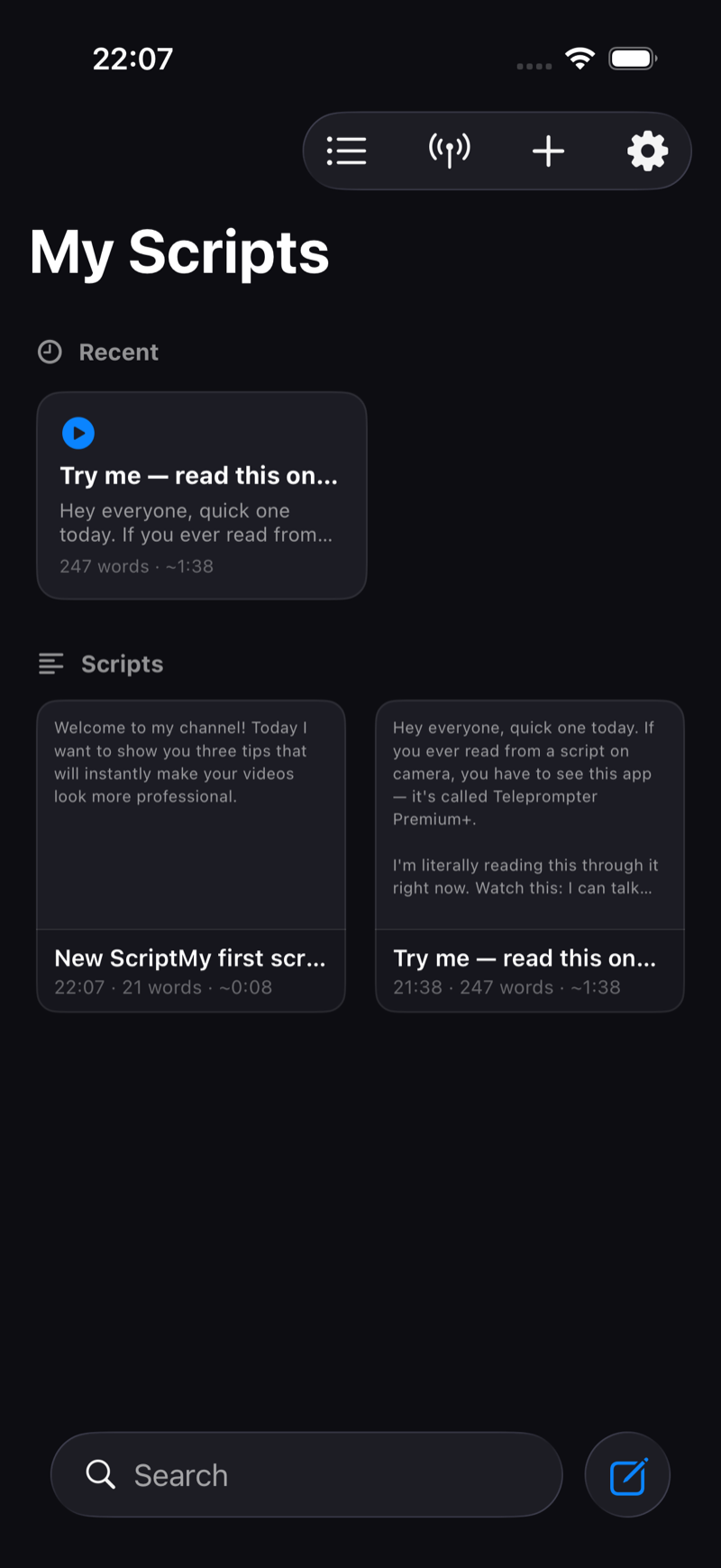
The My Scripts library is home for every script. A few tools keep it manageable when you shoot a lot.
Folders
Long-press any script and choose Move to Folder, or create a folder from the + menu (New Folder). Group scripts by client, series or shoot day.
Search
The search bar at the bottom filters your library instantly, by title and content.
Grid view
Tap the grid icon in the toolbar to switch between the list and a visual grid of script cards, with a Recent section for what you used last.
Quick actions
Long-press a script for Play, Edit, Rename, Duplicate, Move to Folder and Delete. Duplicate is handy for A/B versions of the same video intro.
Every script shows its reading time
Each row shows the word count and an estimated reading duration (for example "247 words · ~1:38") so you can spot at a glance which script fits a 60-second short.
On the free plan you can keep up to 3 scripts; Pro removes the limit. See Free vs Pro.